Products
The current common appartmental toothbrush connection is through the Bluetooth module.
Electric ToothbrushesSteps for connecting to APP:
1. Please install a brush correctly and just insert a brush on the power axis without having to rotate.
2, Open the dental guard App, enters the main interface.
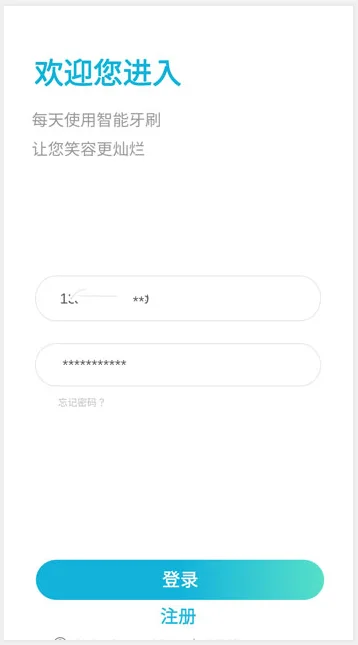
3. Set up the right hand with toothbrushes and gender.
4, enter the account password after registration, click for login and enter the main page.
5. Once the toothbrush has been moved or activated, the cell phone Bluetooth will be turned on and the APP will automatically connect to the toothbrush.
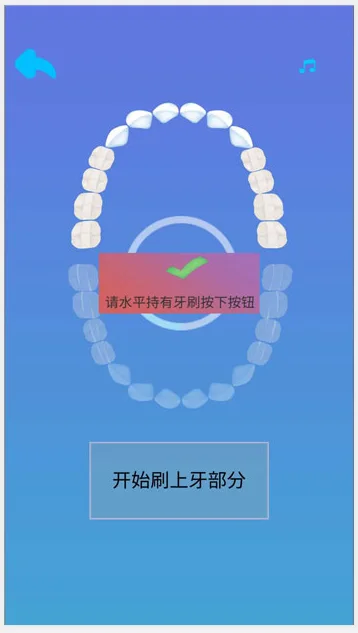
6. Click on the Health Page to choose ” Toothbrush Scheme ” , setting the brushing time and mode, defaulting to standard mode, with 2.5min brushing time.
7. Return to the main page, click the blue rectangular area below, and enter the toothbrush interface.
8. Squeeze and measure toothpaste, which is activated by the power key after the entrance to avoid spilling of toothpaste.
9 Slightly brushes the head between the teeth, moving slowly at a small distance. With reference to the area where the toothbrush is drawn, there are scintillation tips when the toothbrush is placed in the appropriate position.
10. When using the APP brush, it is necessary to complete the brush so that complete data are available.
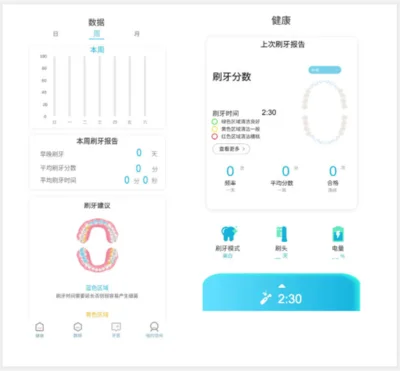
11. When the brush is completed, the brush head is directed towards the current and washed.
Electric ToothbrushesIt’s not connected. It’s a solution.
1 The product uses the latest smart bluetooth (LBT, Smart Bluetooth, BT5.0).
Different mobile phones support them differently. Make sure that the phone bluetooth is on every time you use it.
2, if the page after opening the program continues to show a search for Bluetooth pages, if the bluetooth is not connected, please turn off the phone-side Bluetooth program, restart the Bluetooth program and try Bluetooth connection again. If you are still unable to connect, press 5second to shut down the machine, press 5, then try to connect Bluetooth again.
3, switchback.
The toothbrush stops at AINUM 0X seconds and automatically goes to low working conditions, and the blue teeth are closed. This is when you just shake your toothbrush so that it can awaken and the light will be on AINUM 1x. If you have a Bluetooth drop-off in use, take up the toothbrush and make sure that the toothbrush sign comes on, waiting for a moment until the page is opened, you press the key button. Source figures: 1.5, 20.
Related Reading

Electric Toothbrush Purchasing Guide
我们在接待客户时,品牌商和工厂采购电动牙刷,经常遇到的一些问题。有时候难以一下子说清楚,这里我整理一下指南,以供行业参考
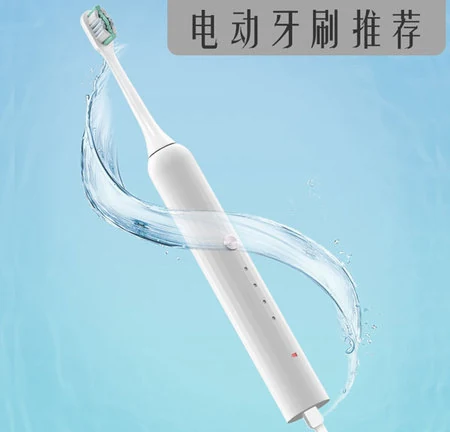
Choosing an Electric Toothbrush in 2021
进入2021年,很多人已经逐渐采用电动牙刷刷牙的方式。市场上的国产电动牙刷种类多,质量不一,选对电动牙刷很重要,那么如何
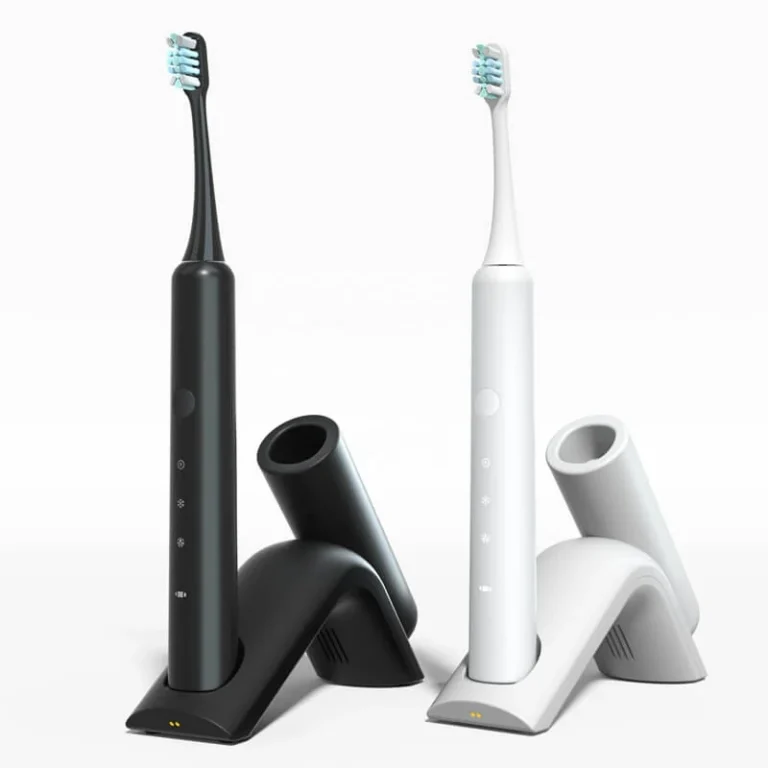
Helping Everyone Brush Correctly
我们希望电动牙刷进入到千家万户,让每个人都学会使用电动牙刷刷牙,让每个人都免受牙齿问题口腔问题的疼痛。
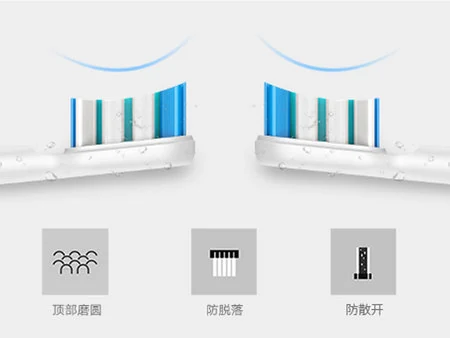
Detailed rounding rate for electric toothbrush: national standard regulation and selection guide
了解电动牙刷磨圆率的重要性及国家标准GB 39669-2020的规定,探索伟杰智能的电动牙刷,确保每次刷牙都温和有效,保
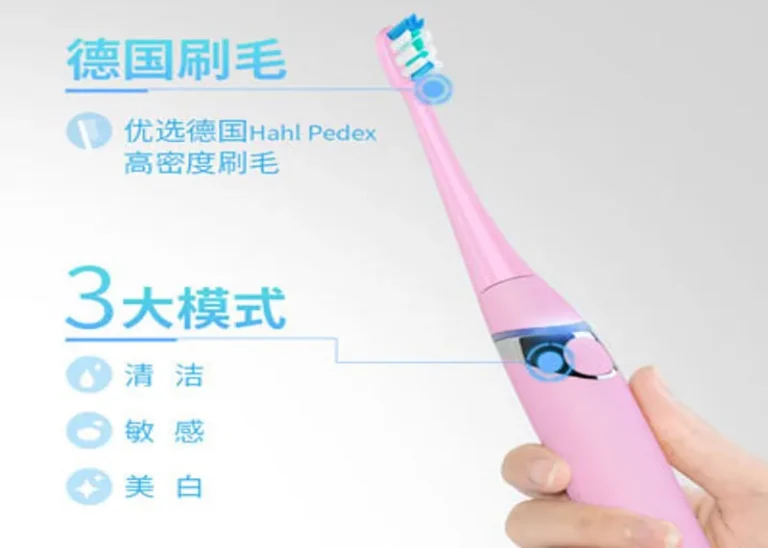
The difference between electric toothbrush and ordinary toothbrush is five main aspects.
电动牙刷和传统牙刷有哪些区别呢?电动牙刷对比手动牙刷有哪些优势?到底谁强谁弱,咱们从以下五方面来看看吧!一、电动牙刷和普